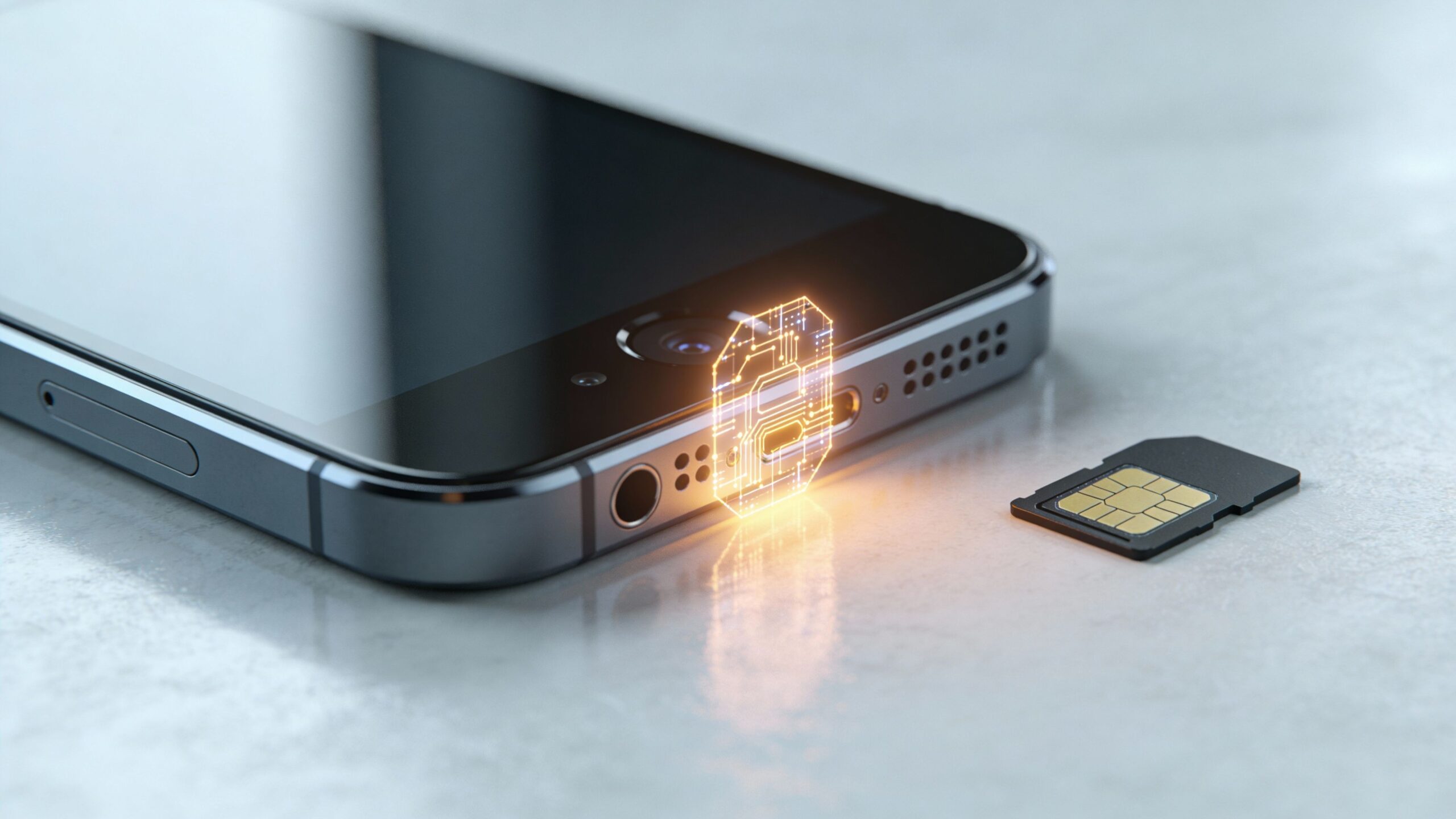
Activating an eSIM on an Android phone is a straightforward process in 2026, but the experience is smoothest when you start with a little preparation. Not all Android phones support eSIM, so the first step is confirming compatibility. Most recent flagship and mid-range Android devices do, especially models released in the past few years. Your phone should also be unlocked or approved for use with your chosen carrier, as carrier locks can restrict eSIM activation options. A reliable internet connection is essential, since eSIM profiles are downloaded digitally rather than inserted physically. It’s also wise to update your phone to the latest version of Android, as updates often improve carrier compatibility and fix activation issues. With these basics in place, the activation process becomes quick and stress-free.
A: Usually Settings → Network & internet → SIMs (Pixel) or Settings → Connections → SIM manager (Samsung).
A: No—support varies by model, region, and carrier. Look for EID or an “Add eSIM” option.
A: Most of the time, yes. Wi-Fi makes the eSIM profile download and provisioning more reliable.
A: Increase brightness, steady the camera, clean the lens, and try manual entry if your carrier provides an activation code.
A: Many Android phones support eSIM + physical SIM. You’ll choose defaults for calls/texts/data.
A: Ensure the eSIM is enabled, restart the phone, and confirm it’s set as the default data SIM if needed.
A: Sometimes—follow the eSIM provider’s instructions. Enable only if required.
A: Usually, but you may need a fresh QR/activation code from the carrier or eSIM provider.
A: No—your carrier coverage and phone modem determine performance, not the SIM format.
A: Turn off Wi-Fi, load a webpage on cellular, send an SMS, and place a call.
Understanding How eSIM Works on Android Devices
Android handles eSIM activation slightly differently than iPhones, largely because Android runs across many manufacturers and carrier ecosystems. Despite these variations, the core idea remains the same. An eSIM is embedded into your phone’s hardware and stores one or more digital carrier profiles. Instead of inserting a physical card, your phone securely downloads a profile from your carrier and activates it through software. Android’s flexibility allows carriers to offer multiple activation paths, including QR codes, carrier apps, and built-in setup tools. While menus and labels may look slightly different depending on your device brand, the underlying process is consistent across Android phones in 2026.
Activating an eSIM Using a QR Code on Android
The most common method for activating an eSIM on Android is by scanning a QR code provided by your carrier. To begin, open your phone’s Settings app and navigate to Network, Connections, or Mobile Network, depending on your device. From there, select the option to add a new SIM or mobile plan. Your phone will prompt you to scan a QR code, which you can do using the camera.
Once scanned, Android verifies the carrier profile and walks you through confirmation steps. The profile downloads securely and activates within minutes. This method is popular because it works across most Android brands and does not require additional software or lengthy setup.
Activating an eSIM Through a Carrier App or Account
Many carriers now offer eSIM activation directly through their Android apps or online accounts. In this scenario, you download the carrier’s official app, sign in, and select the option to activate a new device or switch to eSIM. The app communicates directly with your phone, pushing the eSIM profile to your device without the need for scanning a QR code. Some Android phones also support automatic carrier activation during initial setup, particularly when purchasing a device directly from a carrier. This approach is especially convenient when upgrading phones or transferring service, as it minimizes manual steps and reduces the chance of errors.
Converting a Physical SIM to an eSIM on Android
If you’re currently using a physical SIM and want to transition to an eSIM, many Android phones and carriers now support direct conversion. This option is typically found in your network settings, where you may see a prompt to convert your existing SIM to an eSIM. During the process, your phone communicates with your carrier to move your number and plan to the embedded SIM. Once completed, the physical SIM becomes inactive. This conversion is ideal for users who want the benefits of eSIM without changing carriers or phone numbers. While availability varies by carrier and device, support for SIM-to-eSIM conversion has expanded significantly by 2026.
Managing Multiple eSIMs and Dual SIM Features
One of the biggest advantages of eSIM on Android phones is the ability to manage multiple mobile plans from a single device. Android’s dual SIM features allow users to label lines, choose which SIM handles calls or data, and switch between plans with a few taps. This is especially useful for professionals balancing work and personal numbers, or travelers using international data plans alongside a home carrier. Android’s interface makes it easy to toggle data usage, set defaults, and temporarily disable unused profiles. In 2026, managing multiple eSIMs on Android feels intuitive, even for users who are new to digital SIM technology.
Although eSIM activation on Android is generally reliable, occasional issues can occur. If activation fails, start by checking your internet connection and ensuring your phone is running the latest Android version. Restarting the device can resolve temporary software glitches. It’s also important to verify that the QR code or activation link provided by your carrier is still valid, as many expire after a set period. If your phone does not recognize the eSIM option, double-check that your device model supports eSIM and that your carrier offers eSIM service for Android. When problems persist, contacting your carrier’s support team is often the quickest solution, as they can resend profiles or confirm account eligibility.
What Comes After Activation: Living With eSIM on Android
Once your eSIM is active, daily use feels no different from a traditional SIM, except with added flexibility. Switching plans no longer requires physical cards, international travel becomes simpler, and managing multiple lines is easier than ever. Android phones handle eSIMs seamlessly in the background, allowing users to focus on connectivity rather than configuration. In 2026, eSIM technology is no longer experimental on Android; it’s a mature, reliable solution that aligns perfectly with a mobile-first, globally connected lifestyle. Activating an eSIM is the first step toward a more flexible and future-ready way of staying connected.