
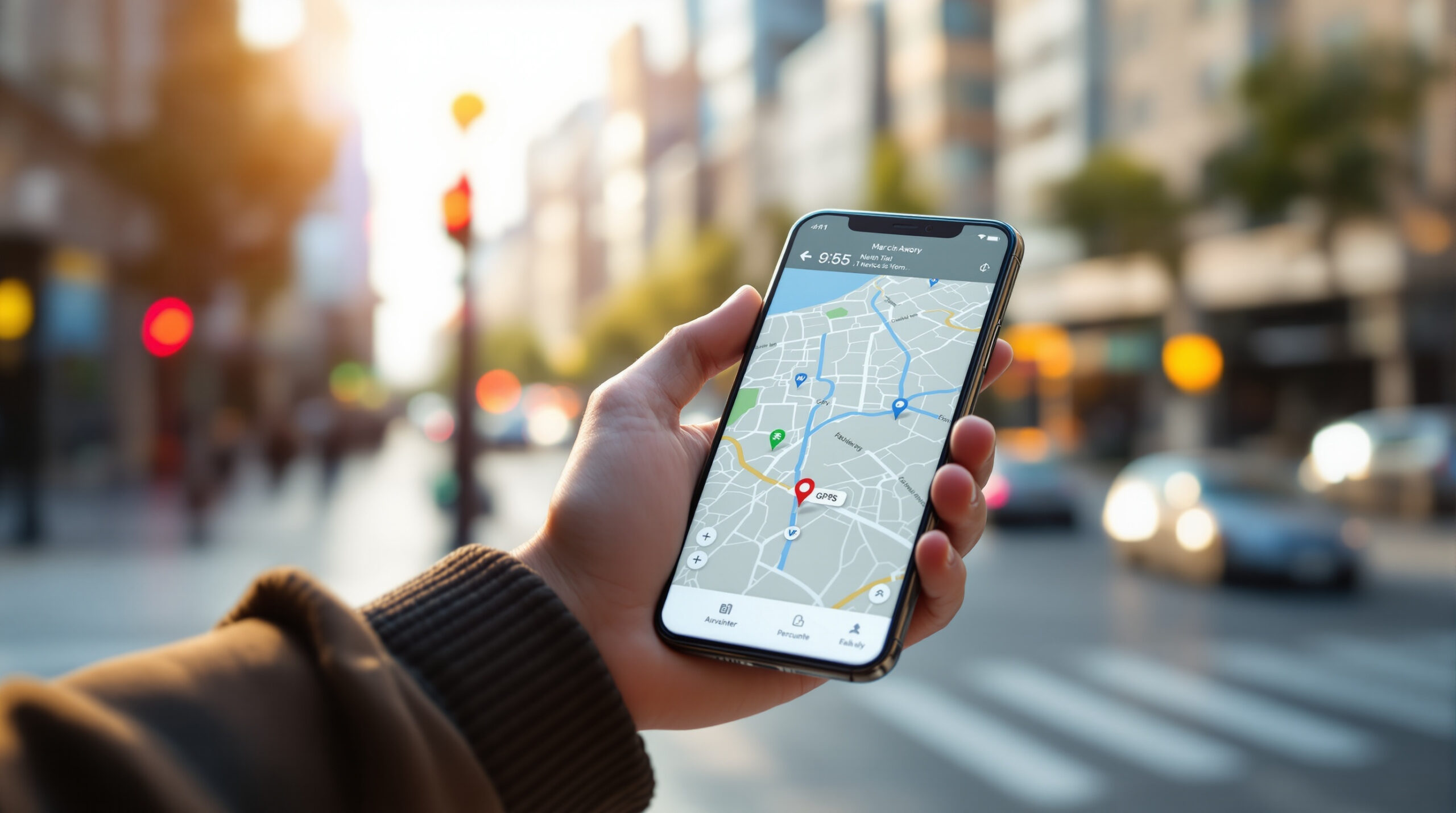
GPS and location services quietly guide modern life, helping smartphones understand where you are, where you’re going, and what’s happening around you in real time. On Mobile Streets, the GPS and Location Services hub explores how positioning technology powers navigation, ride sharing, fitness tracking, weather alerts, local search, and countless everyday apps. This category breaks down how GPS works alongside cellular networks, Wi-Fi, and sensors to deliver accurate location data indoors and outdoors. You’ll learn how maps stay up to date, why accuracy can vary, and how location settings impact battery life, privacy, and performance. Our articles explain practical use cases, common location issues, and smart ways to balance convenience with control over your data. Whether you’re planning trips, tracking workouts, finding nearby services, or simply curious about how your phone knows where you are, this section turns complex systems into clear, useful insight. As mobile technology continues to evolve, GPS and location services remain essential tools that connect digital information to the physical world, helping you move smarter, safer, and more confidently every day.
A: Tall buildings reflect signals (multipath). Move to a more open area or rely on A-GPS/Wi-Fi assist.
A: GPS works without data, but maps, traffic, and faster first-fix (A-GPS) often benefit from a connection.
A: Precise is near-exact coordinates; approximate is a broader area for privacy-friendly apps.
A: Low power mode, weak signal, or app restrictions can slow GPS refresh—disable battery saver for navigation.
A: Yes—download offline maps. You’ll still get positioning, but live traffic usually won’t update.
A: GPS struggles indoors—Wi-Fi and Bluetooth-based positioning help more in malls and apartments.
A: Set permissions to “while using,” turn off background location, and review app access regularly.
A: It reduces GPS-based tracking, but IP and network signals can still approximate location in some contexts.
A: Calibrate the compass (often a figure-8 motion) and move away from magnets/metal objects.
A: Go outside for open-sky view, enable precise location for the app, and restart location services if needed.