
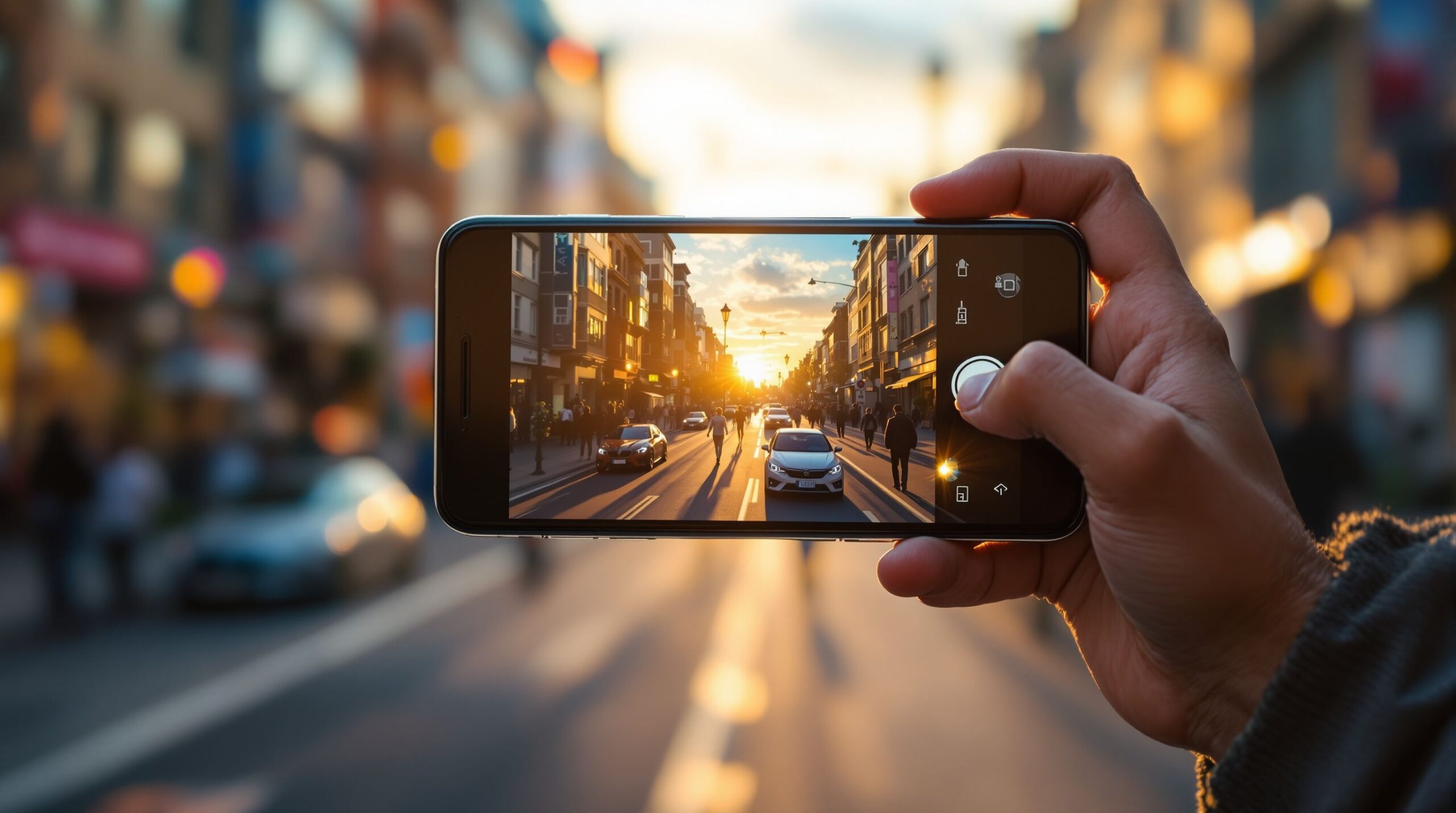
Mobile photography has transformed the way we see, capture, and share the world around us. What once required bulky cameras and complex gear now lives comfortably in your pocket, ready to turn everyday moments into striking visual stories. From golden-hour cityscapes and spontaneous street shots to cinematic portraits and creative macro details, modern smartphones empower anyone to think like a photographer. Mobile photography is no longer about convenience alone; it’s about creative control, powerful editing tools, and pushing artistic boundaries wherever inspiration strikes. This space on Mobile Streets is dedicated to exploring that creative evolution. Here, you’ll find articles that dive into camera features, shooting techniques, lighting tricks, composition ideas, and editing workflows designed specifically for mobile devices. Whether you’re a casual shooter capturing memories, a content creator building a visual brand, or an aspiring photographer refining your eye, mobile photography offers limitless potential. It blends technology with creativity, speed with storytelling, and accessibility with professional-level results. Step into a world where your phone becomes more than a device—it becomes a lens through which your perspective, style, and imagination come vividly to life.
A: Clean the lens, add light, and stabilize—most blur is motion or smudges, not the camera.
A: Use RAW for tough lighting or serious edits; use normal mode for quick sharing.
A: Usually 1× for best detail; use ultra-wide for space and tele for portraits when it’s truly optical.
A: Brace the phone, hold still, and avoid digital zoom—let night mode finish.
A: LED lights can cause banding—try a different fps (30 vs 60) or change shutter settings in pro apps.
A: Turn on gridlines and keep horizons straight—small fixes make photos feel “professional.”
A: Use good light, tap-focus on the eye, and keep the subject still for a second after you shoot.
A: Start with light manual edits (exposure, white balance, contrast) and keep filters subtle.
A: Use cloud backup plus a second copy (computer/external drive) for your best originals.
A: Shoot a few variations—wide, medium, close—then pick the strongest story frame.