
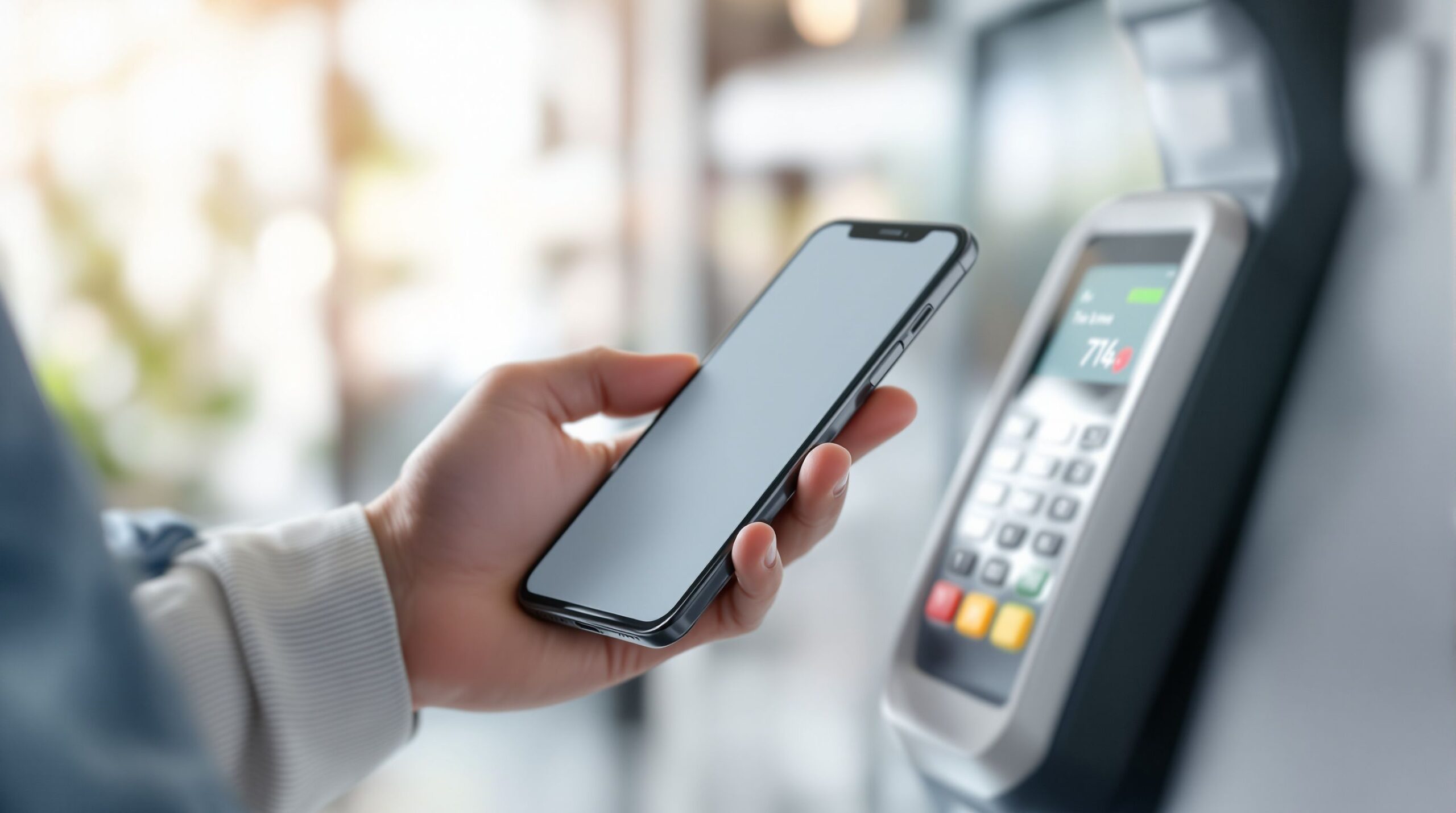
Mobile payments and wallets are reshaping how money moves, turning smartphones into fast, secure tools for everyday transactions. On Mobile Streets, the Mobile Payments and Wallets hub explores how phones now handle everything from in-store purchases and online checkouts to peer-to-peer transfers, transit passes, and digital IDs. This category breaks down how mobile wallets work, what makes them secure, and how technologies like tokenization, biometrics, and contactless payments protect your data while keeping checkout effortless. You’ll learn the differences between popular wallet platforms, how banks and apps integrate, and what to expect when using your phone instead of cash or cards. Our articles also examine real-world reliability, privacy considerations, rewards, and how mobile payments fit into travel, shopping, and daily routines. Whether you’re new to digital wallets or looking to optimize how you pay on the go, this section delivers clear, practical insight. As commerce continues to move at mobile speed, understanding mobile payments and wallets helps you spend smarter, faster, and with confidence wherever life takes you.
A: Usually no—NFC transactions can work without cellular data, though some wallet features may need a connection.
A: Often yes—biometrics + tokenization reduce exposure, but device security and account protection matter most.
A: Try a different angle, remove thick/metal cases, unlock the phone, and hold steady over the reader.
A: Use Find My/remote wipe, lock the device, and notify your bank—wallets depend on your lock screen for protection.
A: Very unlikely—NFC range is tiny, terminals require deliberate positioning, and wallet payments require authentication.
A: Some terminals are finicky, offline, or have contactless limits—chip is the fallback.
A: Yes if supported—often it’s faster because the NFC antenna is positioned for quick taps.
A: Typically yes—rewards come from the underlying card, not the payment method.
A: Your wallet uses a unique “stand-in” number so your real card number isn’t shared at checkout.
A: Open the wallet, select the card you want, and set it as default (or choose it right before tapping).